 FluxCMS
Digital signage for churches
Service times, announcements and a warm welcome on the way in — set up during the week, running by itself on Sunday.
Works on the TV you already own
What you get
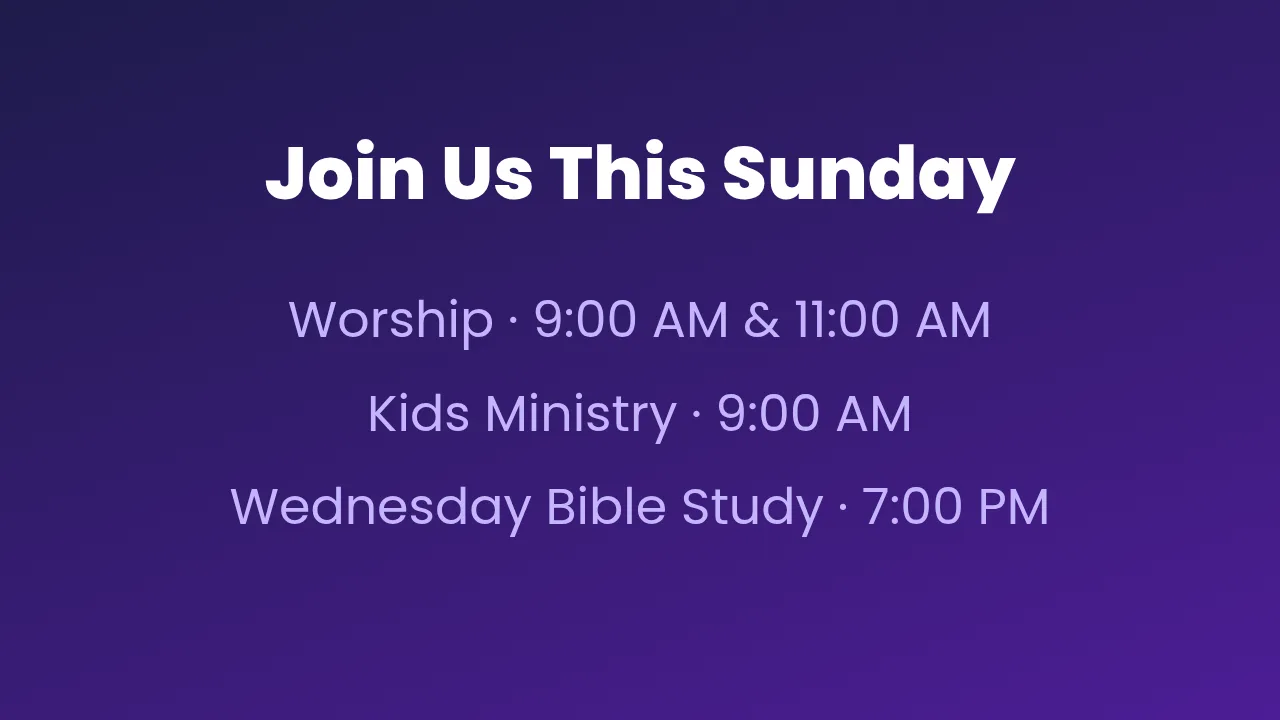
Service times, always right
Change the schedule for a holiday week once and every screen follows.
Welcome people properly
A greeting in the entrance does more than a folding sign, and takes seconds to change.
Announcements before the service
Rotate notices in the foyer so they do not eat into the service itself.
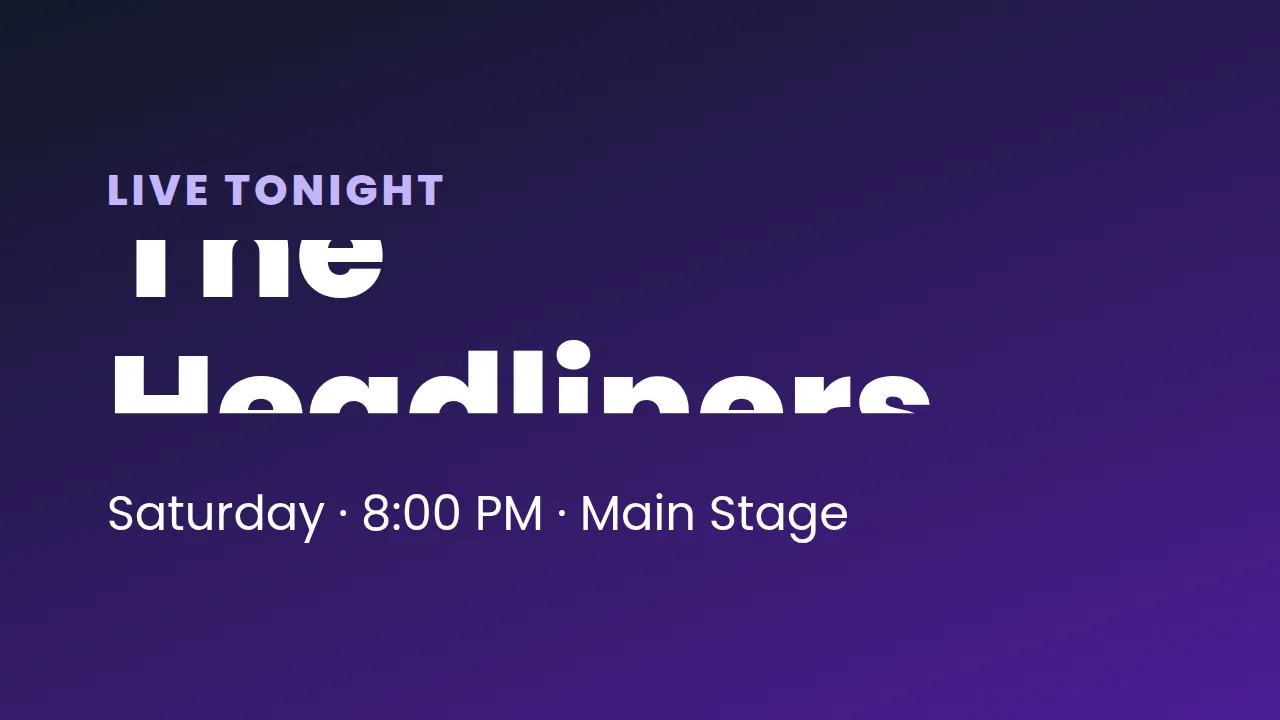
Count down to the event
Camps, conferences and outreach dates, ticking down where everyone sees them.
Volunteers can run it
The editor is drag and drop, and a volunteer with the editor role cannot change the team or settings.
How it works
- Design it. Start from a ready-made layout or a blank canvas and edit it in your browser.
- Pair the screen. Install FluxCMS Player on an Android TV and type the six-digit code it shows.
- Publish. Assign the sign. It appears in seconds, and every later edit lands the same way.
Common questions
Do we need technical help to set this up?
No. If you can build a slide you can build a sign. Pairing a screen is entering a six-digit code shown on the TV.
Can we start with a single screen?
Yes. One entrance display is included permanently. Add more screens, storage and your own branding from inside your account whenever you need them.
Can several volunteers help?
Yes. Invite them as editors — they can change signs but not the team or settings.