 FluxCMS
Promo screens you can change from your desk
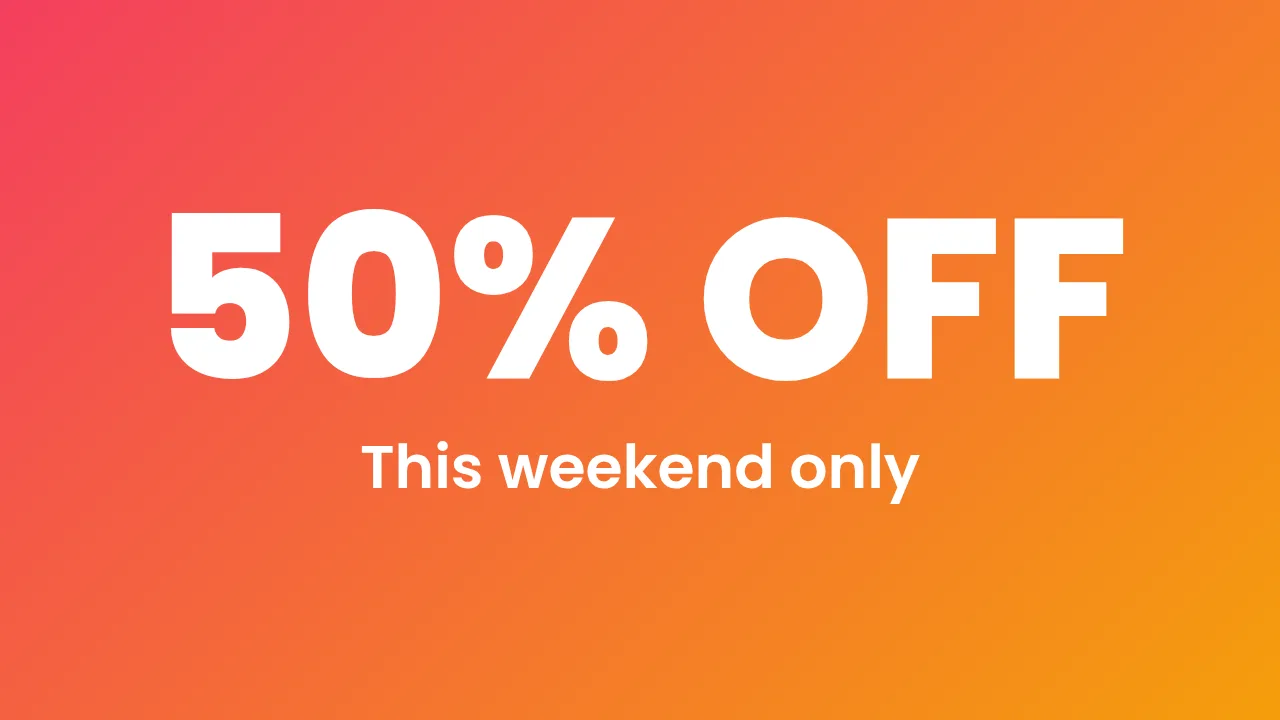
A window screen that still shows last month’s sale is worse than no screen at all. Schedule the campaign once and let it run itself.
Works on the TV you already own

What you get
Schedule campaigns ahead
Build the whole month, set the dates, and stop thinking about it. Each promo takes over and steps aside on its own.
Countdowns that create urgency
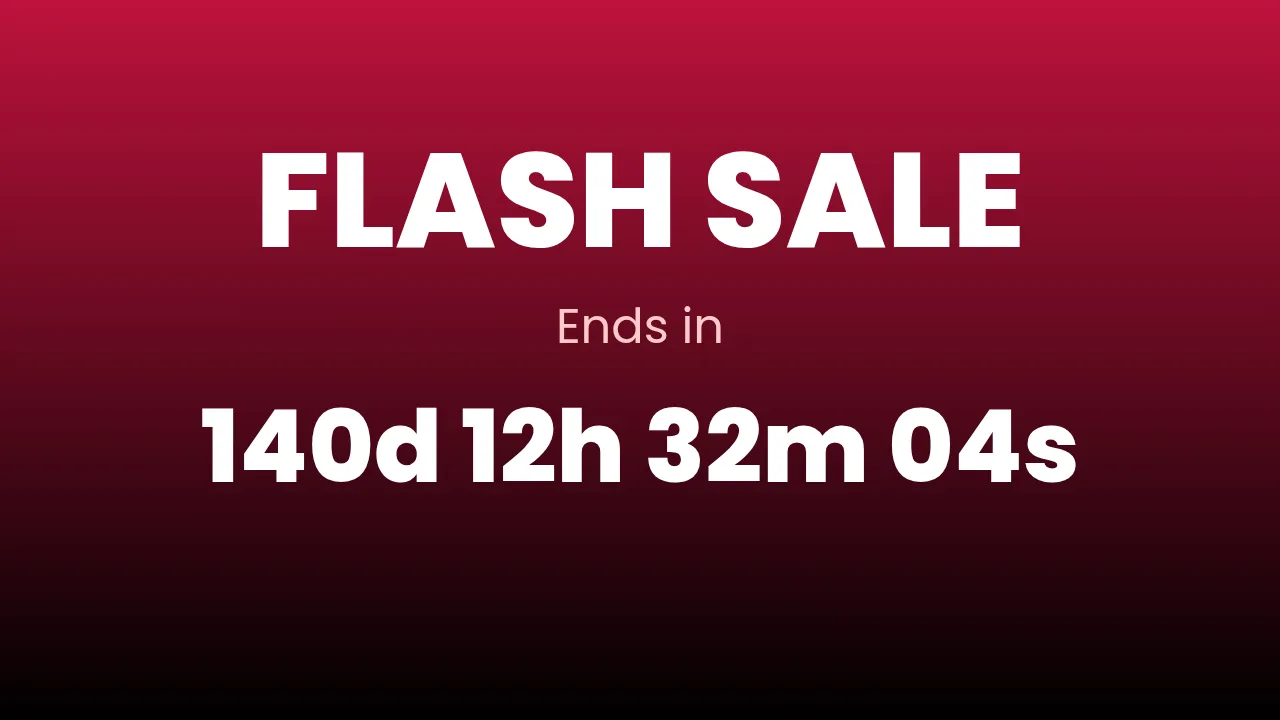
Drop a live countdown onto a sale design and it ticks down on the screen, not in a static image.
Every store at once
Push one campaign to every location in a click, or to just the stores running it.
Video and stills together
Loop a brand video, rotate product shots, and set exactly how long each item holds the screen.
No print lead time
Change the offer at 9am and the window reflects it at 9:01. Compare that to reprinting posters.
How it works
- Design it. Start from a ready-made layout or a blank canvas and edit it in your browser.
- Pair the screen. Install FluxCMS Player on an Android TV and type the six-digit code it shows.
- Publish. Assign the sign. It appears in seconds, and every later edit lands the same way.
Common questions
Can I schedule a sale to start and end on its own?
Yes. Schedules run rules by day and time, so a promo can appear on Friday morning and disappear on Sunday night with nobody touching anything.
Can different stores show different offers?
Yes. Assign per screen or per group, so regional pricing and local promos are straightforward.
Will it play video?
Yes. Upload video into your media library and place it on a design, or build a playlist that alternates video and stills.