 FluxCMS
Digital signage for gyms and studios
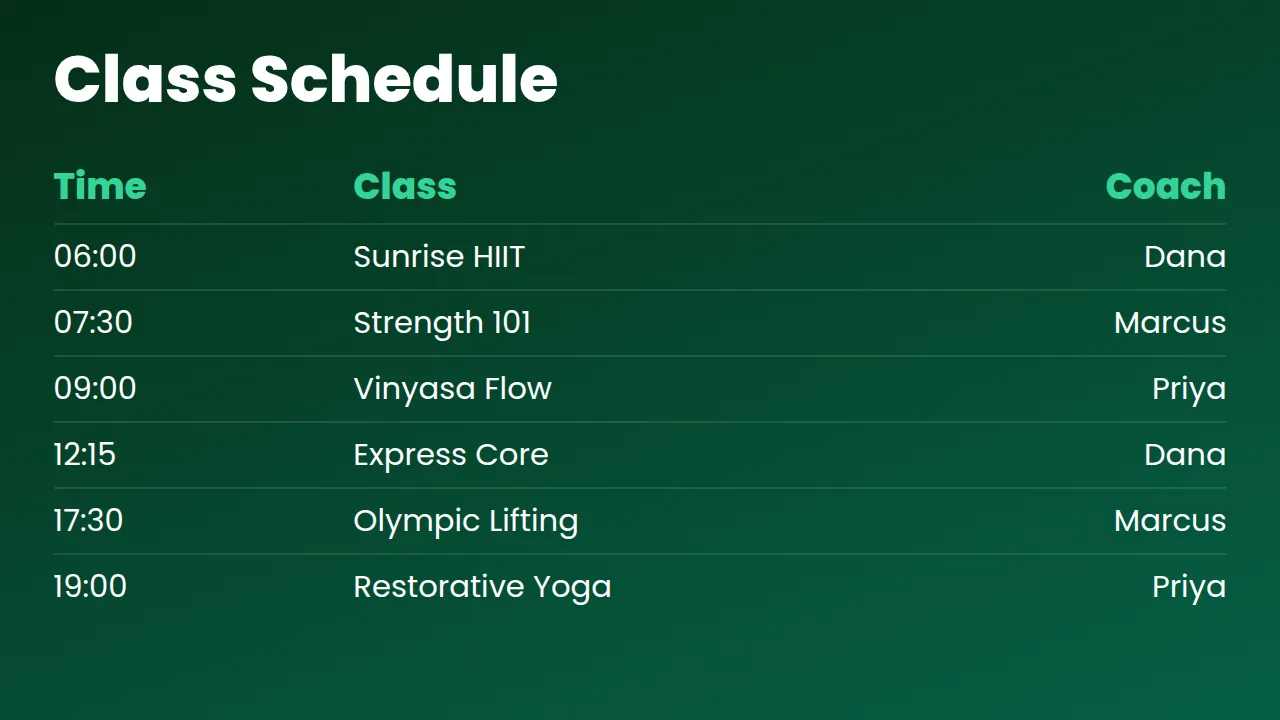
The timetable on the wall matches the one in the app, because both read from the same sheet.
Works on the TV you already own
What you get
Timetables from a spreadsheet
Keep the schedule where you already keep it. The screen reads it and refreshes itself.
Never a stale printout
Cancel a class in the sheet and the board reflects it before the next member walks in.
Fill the quiet hours
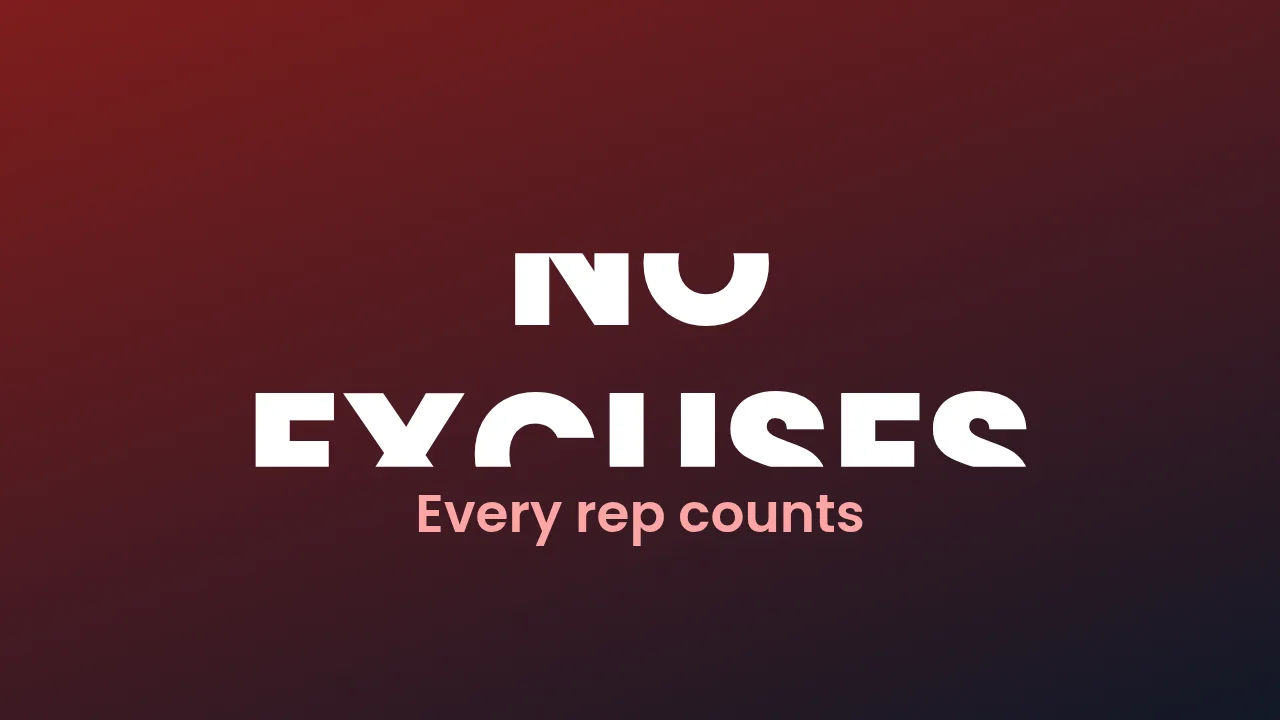
Rotate challenges, class promos and member milestones through the day.
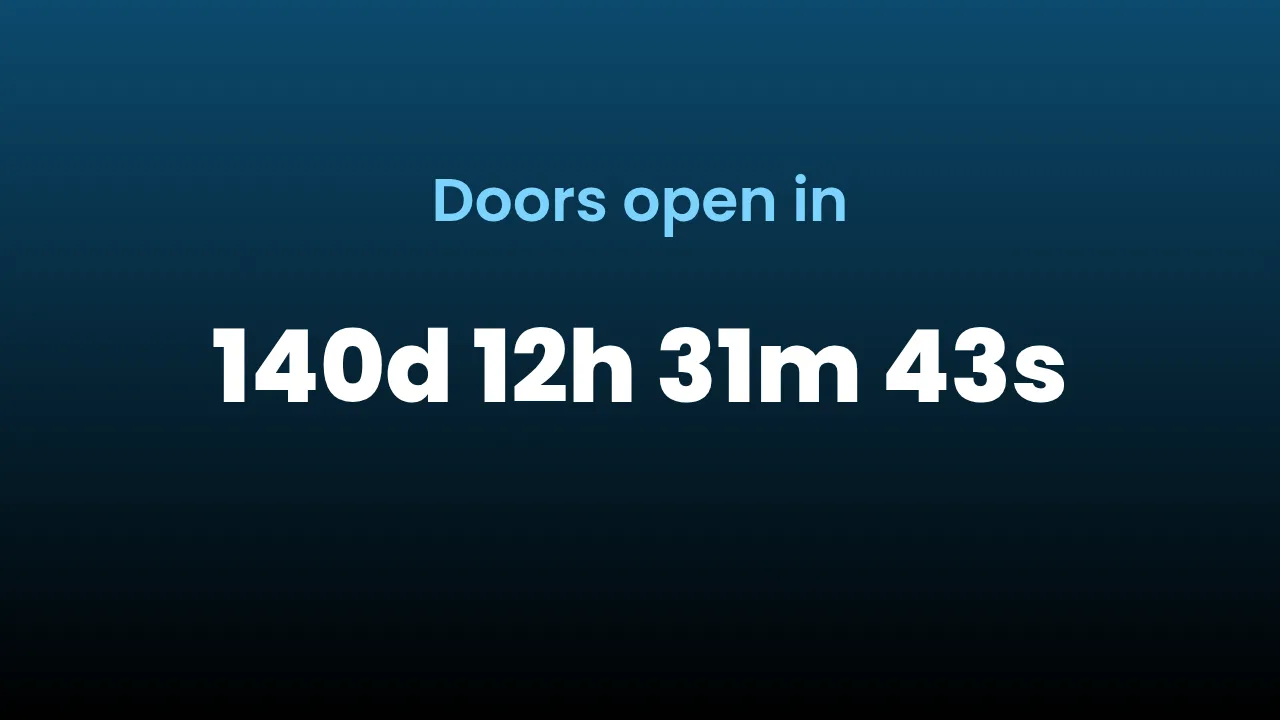
Countdown to the next intake
A live countdown to a challenge start does more work than a poster.
Screens where they matter
Reception, studio door, free-weights wall — each showing something different, all from one dashboard.
How it works
- Design it. Start from a ready-made layout or a blank canvas and edit it in your browser.
- Pair the screen. Install FluxCMS Player on an Android TV and type the six-digit code it shows.
- Publish. Assign the sign. It appears in seconds, and every later edit lands the same way.
Common questions
Can the timetable come from my booking system?
If your system can publish a CSV or JSON feed at a public URL, yes. Feeds behind a login or an API key are not supported today.
Can each studio room show its own schedule?
Yes. Assign a different design per screen, each pointed at its own sheet or filtered view.
How many screens can I run?
One screen or a hundred — start with one and scale up as you grow, all the way to a hundred on Business.