 FluxCMS
Digital signage for restaurants and cafés
Menu boards that change with the day, specials you update between services, and no more laminated inserts.
Works on the TV you already own
What you get
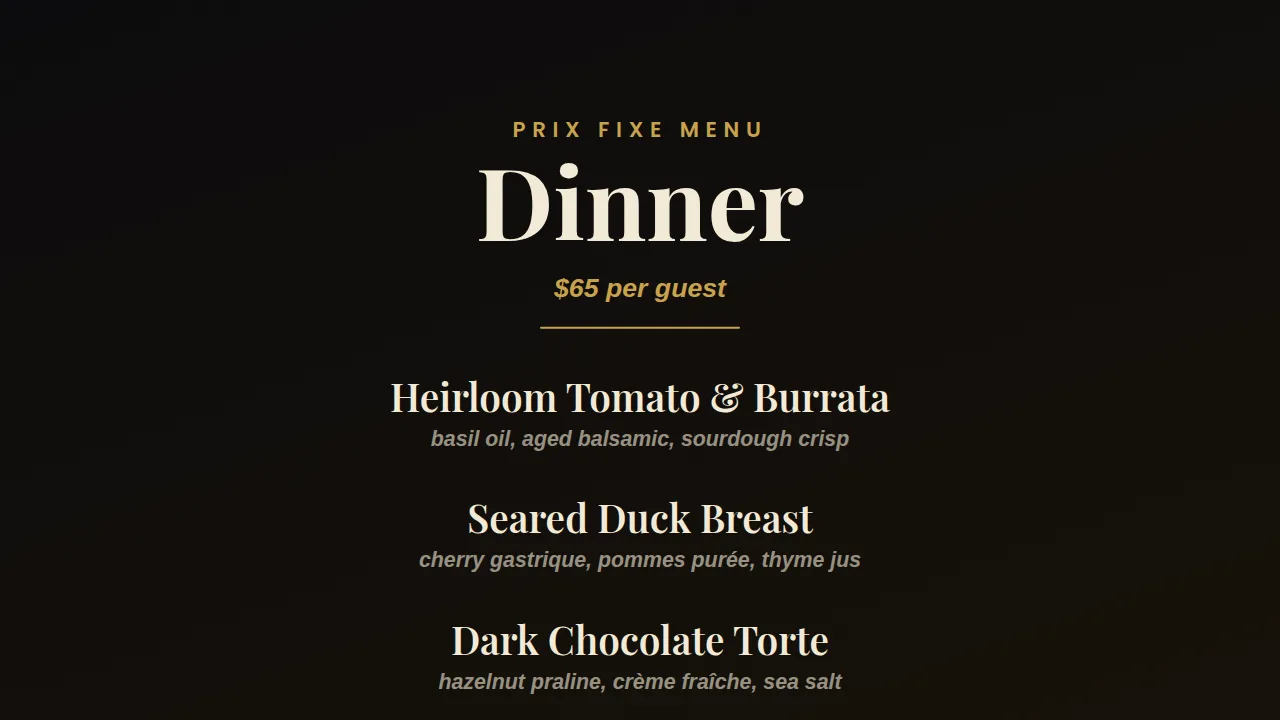
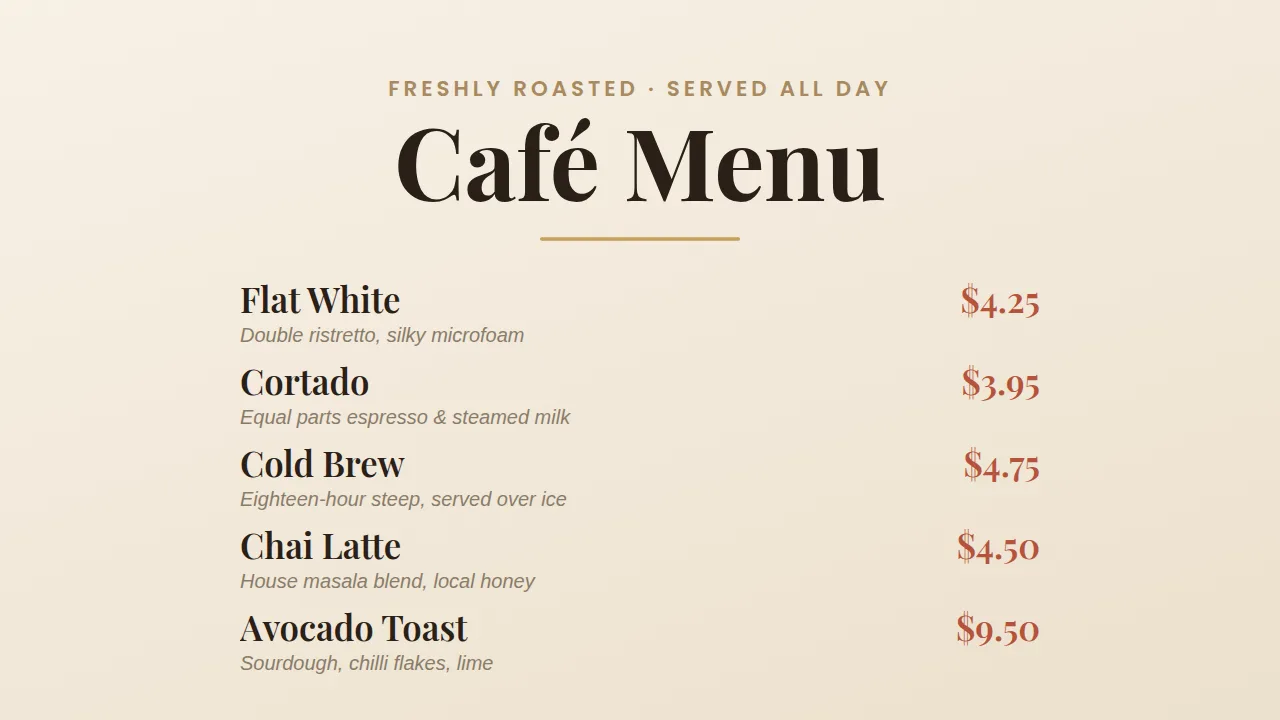
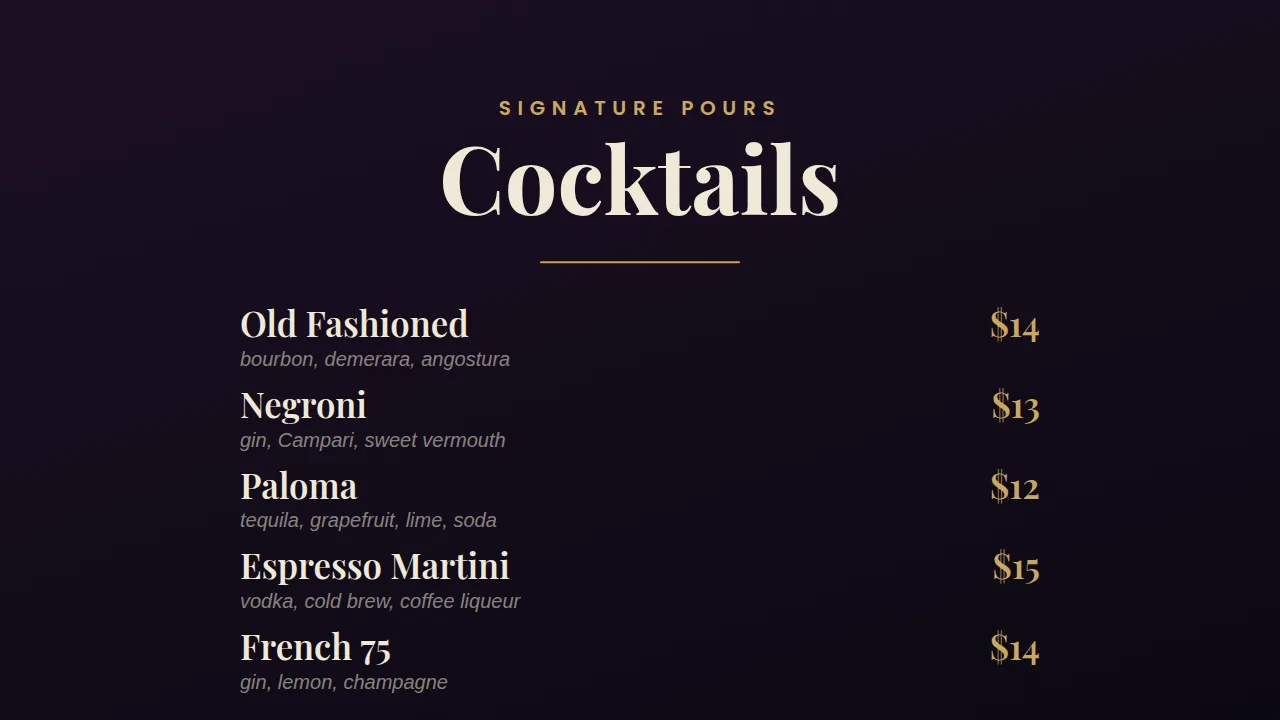
Breakfast, lunch and dinner on a timer
Schedule each menu to its own hours and the boards switch themselves while you are busy.
86 an item in seconds
Pull a line from the sheet and it vanishes from every board before the next order goes in.
Specials worth looking at
A full-bleed photo and a price does more than a chalkboard, and takes two minutes to change.
One account, every location
Groups let you push the new menu to a whole chain, or just the stores that carry the item.
Cheap to fit out
A TV and a streaming stick per board. No proprietary media player to buy or replace.
How it works
- Design it. Start from a ready-made layout or a blank canvas and edit it in your browser.
- Pair the screen. Install FluxCMS Player on an Android TV and type the six-digit code it shows.
- Publish. Assign the sign. It appears in seconds, and every later edit lands the same way.
Common questions
Can I use my existing TVs?
Almost certainly. Any TV with HDMI works — add an Android TV stick, or use the TV directly if it already runs Android TV or Google TV.
How do I change prices across ten sites?
Drive the boards from one spreadsheet and edit it once, or edit the design and assign it to a group of screens.
What happens if the WiFi drops mid-service?
The board keeps showing what it already has. A reboot while the connection is still down is the case to avoid — the player has no on-device cache yet.