 FluxCMS
Digital menu boards that update themselves
Change a price once and watch it land on every board in every location. No USB sticks, no reprinting, no waiting for someone to drive over.
Works on the TV you already own
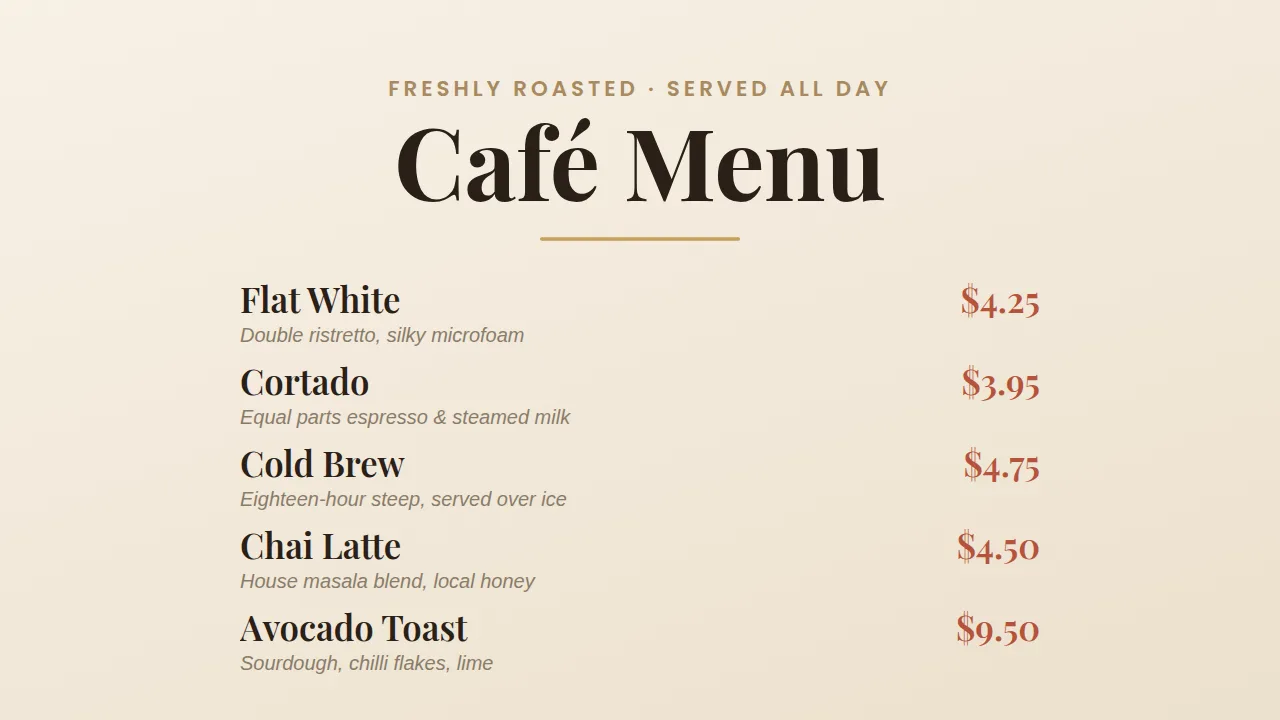
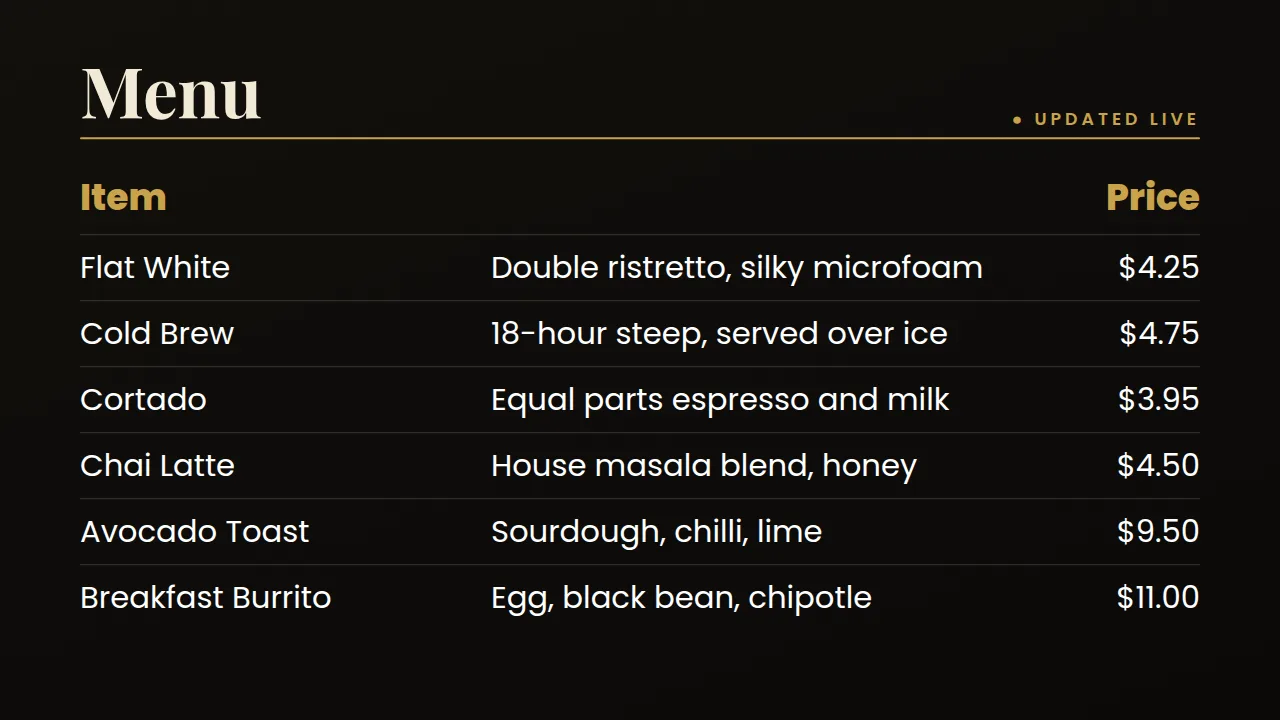
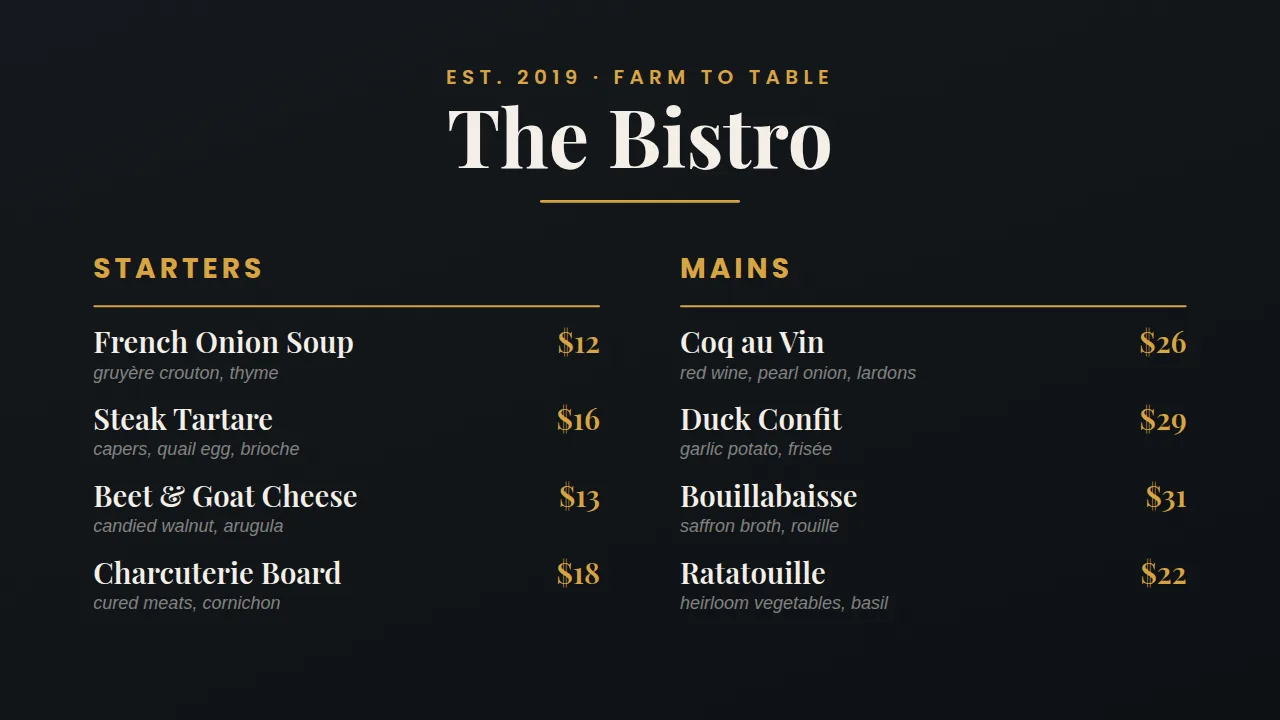
What you get
Change a price in seconds
Edit the board in your browser and the screens follow within seconds — your team never touches the TV.
Drive it from a spreadsheet
Point a table at a published Google Sheet, a CSV file or a JSON endpoint. Update the sheet, the board follows on its own refresh.
Day-part automatically
Breakfast at 7, lunch at 11, late-night after 9. Build the schedule once and every board switches itself.
Sold out? Pull the item
Take one line off the sheet and it disappears everywhere. No half-scratched-out specials board.
One design, many screens
Group your screens and assign a board to all of them at once, whether that is three panels behind a counter or thirty across a chain.
How it works
- Design it. Start from a ready-made layout or a blank canvas and edit it in your browser.
- Pair the screen. Install FluxCMS Player on an Android TV and type the six-digit code it shows.
- Publish. Assign the sign. It appears in seconds, and every later edit lands the same way.
Common questions
Do I need a special menu board display?
No. Any TV with an HDMI port works. You need an Android TV device to run the player — many modern TVs have it built in, and otherwise a Google TV stick plugs straight into the back of the screen.
Can I run three panels as one wide menu?
Yes, by designing one board per panel and assigning each to its own screen. FluxCMS does not stretch a single design across multiple physical displays.
How do prices stay in sync across locations?
Point every location at the same sheet and they all read from it. Or give each location its own sheet if their prices differ.