 FluxCMS
The announcement nobody has to open
Email gets buried and the noticeboard gets ignored. A screen in the break room is read by everyone who walks past it.
Works on the TV you already own
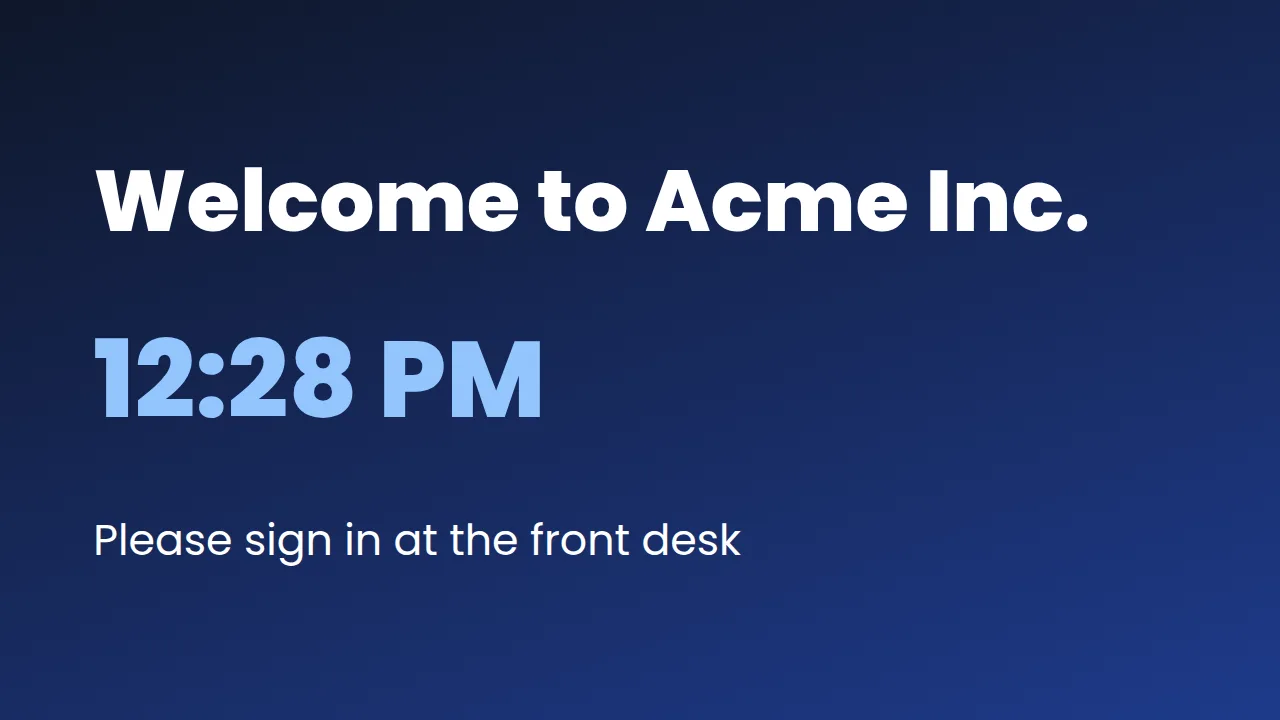
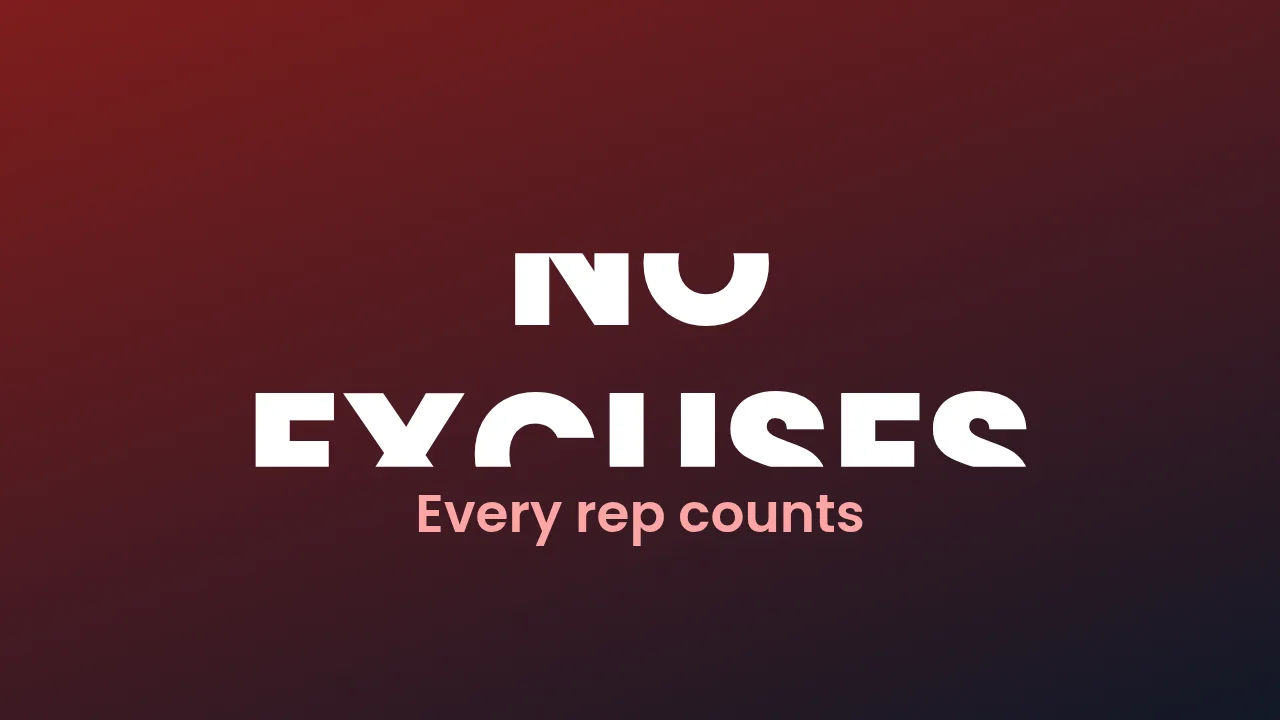
What you get
Announcements that actually land
Shift changes, policy updates, this week’s numbers — in front of everyone, without asking anyone to log in.
Emergency alerts
Push a full-screen message to every screen in your organization at once, and clear it just as fast when it is over.
Recognition and milestones
Put names and wins on the wall. It takes a minute and people notice.
Rotate through the week
Build a playlist so safety, targets and news each get their turn instead of fighting for one slide.
Control who can post
Editors change the content, admins control the team and settings. Nobody gets more access than they need.
How it works
- Design it. Start from a ready-made layout or a blank canvas and edit it in your browser.
- Pair the screen. Install FluxCMS Player on an Android TV and type the six-digit code it shows.
- Publish. Assign the sign. It appears in seconds, and every later edit lands the same way.
Common questions
How fast does an emergency alert reach the screens?
Within a few seconds. Screens check in roughly every three seconds, so an alert takes over almost immediately and clears the same way.
Can a manager update one site without touching the others?
Yes. Assign content per screen or per group, so a site manager changes their own screens only.
Do staff need accounts to see it?
No. The screen shows the content to whoever walks past. Accounts are only for the people editing.