 FluxCMS
Numbers on the wall, refreshing themselves
A dashboard only works if it is current. Point FluxCMS at your data and the screen updates on its own schedule, indefinitely.
Works on the TV you already own
What you get
Reads your data directly
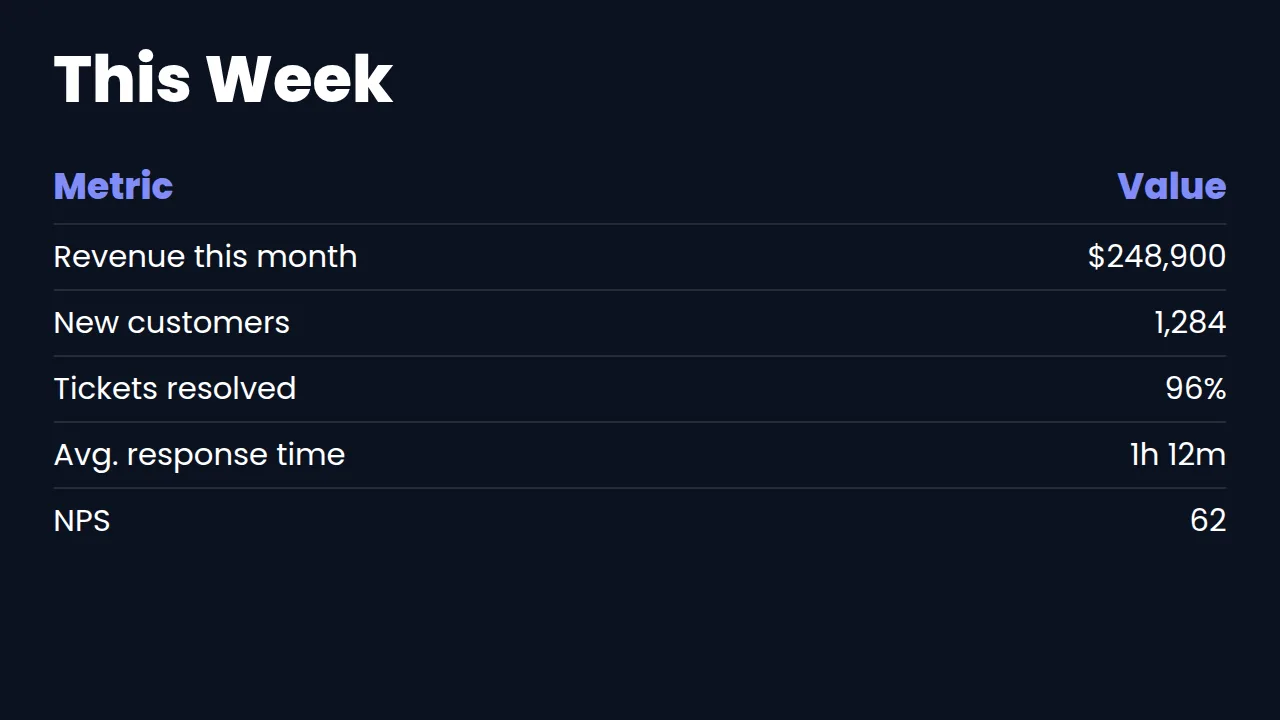
A table element pulls from a CSV or JSON URL and maps columns to the layout. A published Google Sheet is the usual starting point.
Refreshes on a timer
Set how often it re-reads the source. The screen keeps itself current with nobody in the loop.
Readable from across the room
Type sized for a wall, not a laptop. Big numbers, clear labels, high contrast.
Mix numbers with context
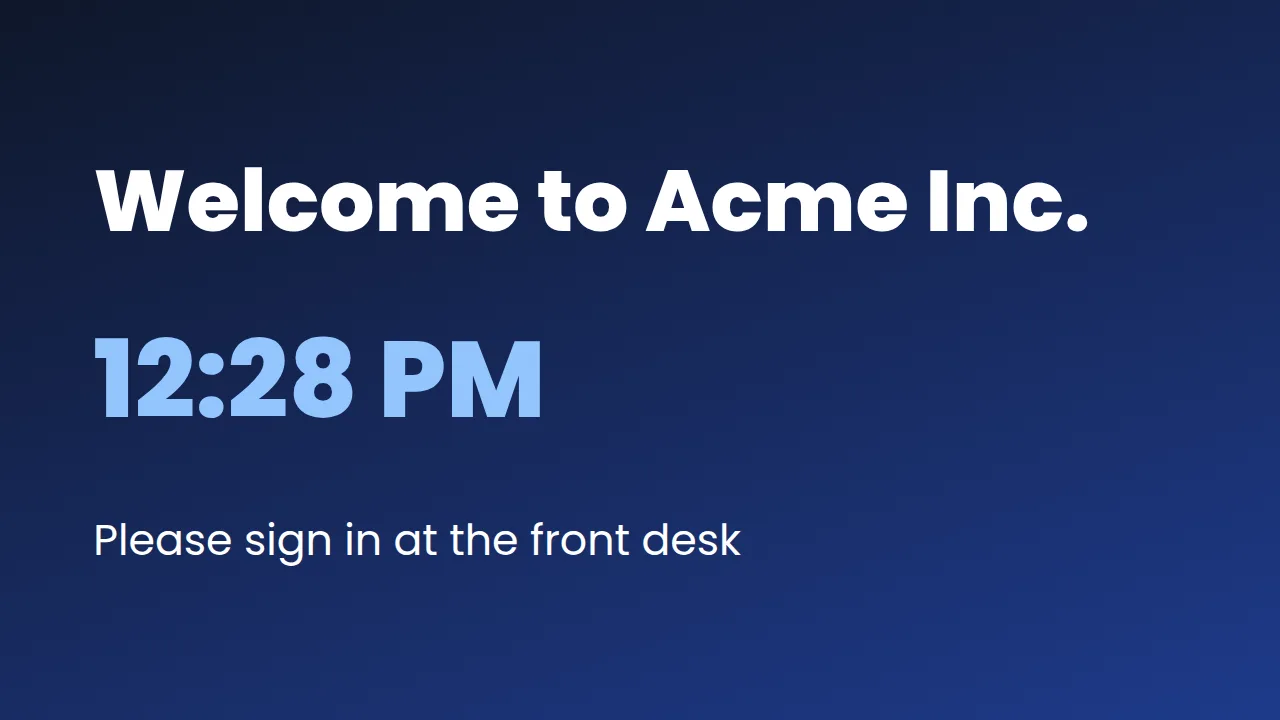
Put the KPI table next to a clock, a countdown to quarter end, or a rotating message.
Cheap per screen
A stick and a TV you already own, rather than a dedicated dashboard appliance per wall.
How it works
- Design it. Start from a ready-made layout or a blank canvas and edit it in your browser.
- Pair the screen. Install FluxCMS Player on an Android TV and type the six-digit code it shows.
- Publish. Assign the sign. It appears in seconds, and every later edit lands the same way.
Common questions
What data sources work?
Anything reachable at a public CSV or JSON URL — a published Google Sheet, an export from your BI tool, or an API endpoint that needs no authentication. Sources requiring an API key or login are not supported today.
How often can it refresh?
As often as every 30 seconds. Slower is usually kinder to whatever is serving the data.
Can I show more than one dashboard on a screen?
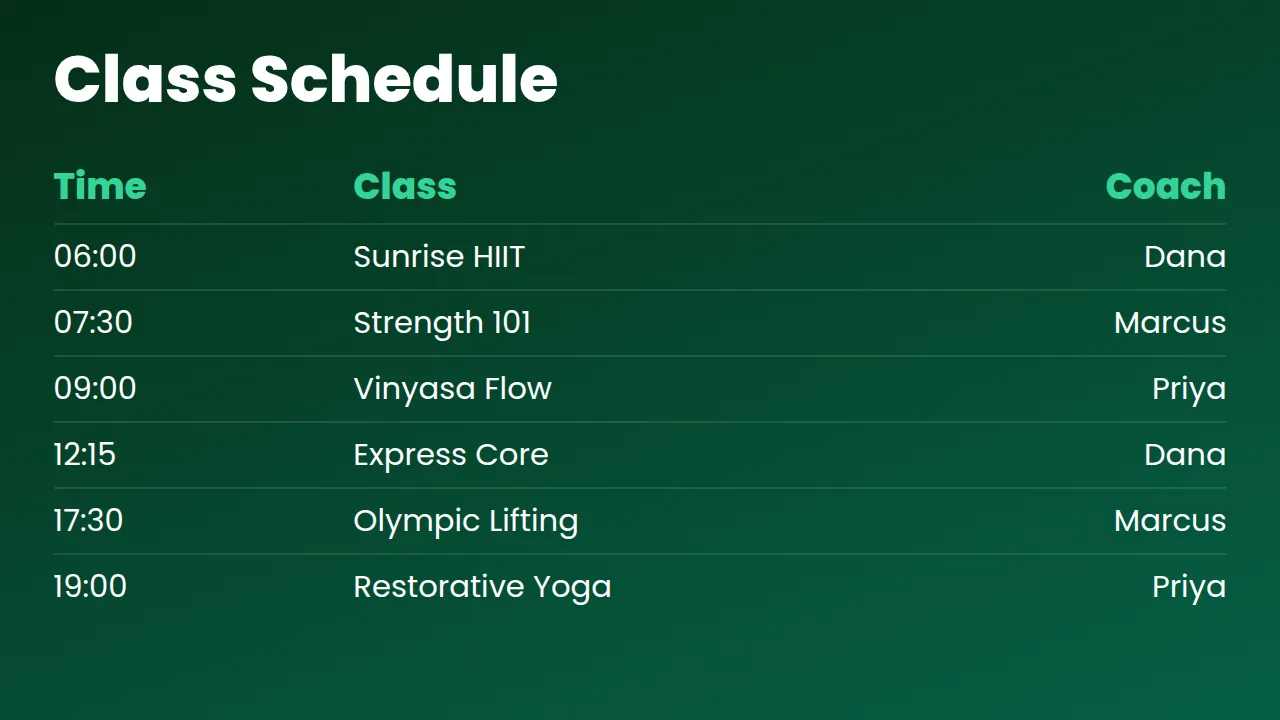
Yes — build a playlist that rotates several, or use zones to put more than one region on a single screen.